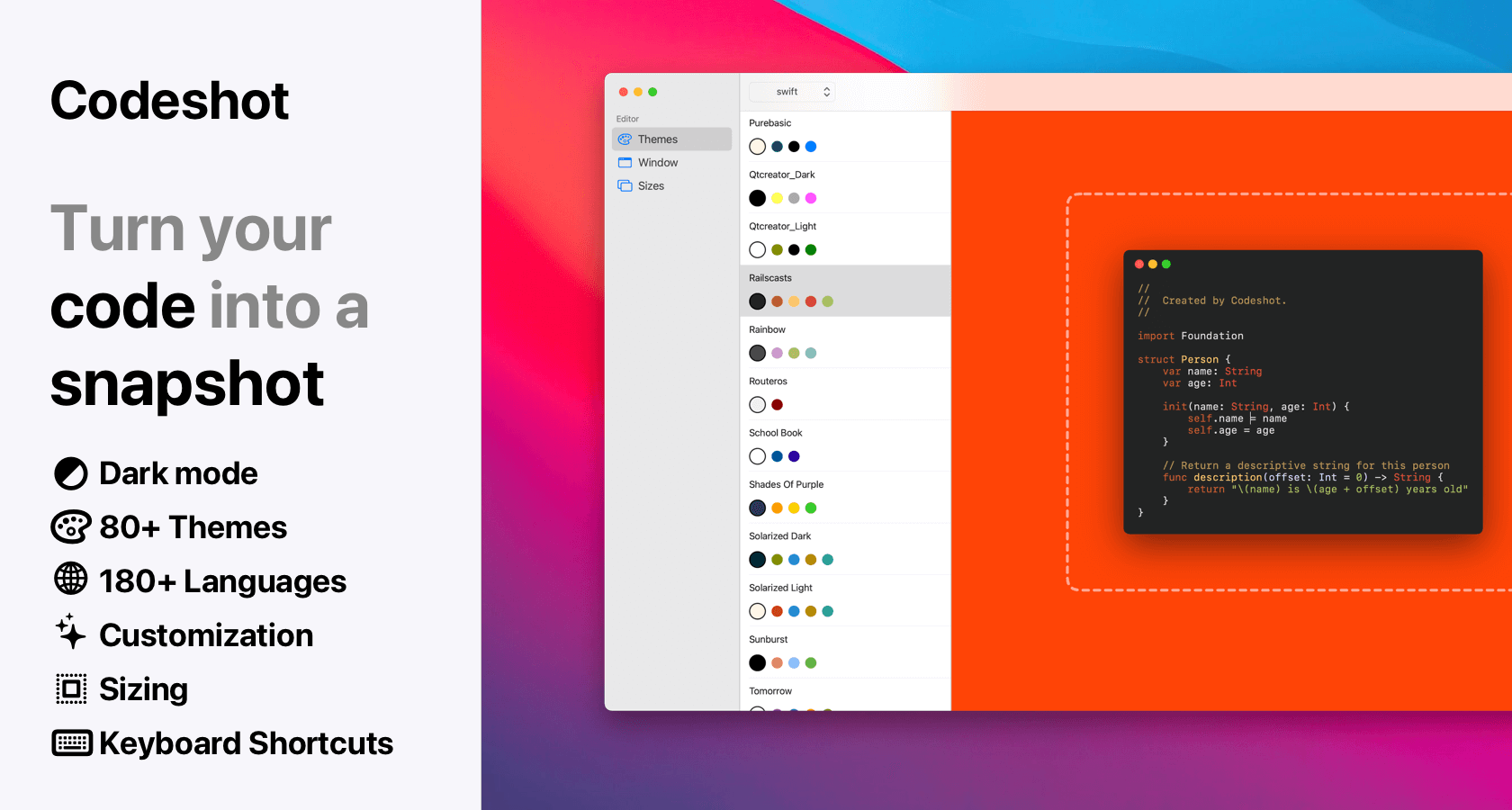
Built exclusively as a native macOS app, Codeshot is the ultimate tool for developers who love to share clean code snippets on X (Twitter), LinkedIn, and beyond. Drop your code into a single, intuitive window, pick a stunning backdrop, and export a perfectly aligned image instantly—no web browser or cloud upload required.
Key Features
- Lightning-Fast Workflow: Paste your snippet directly with ⌘ ⇧ V and watch syntax highlighting apply instantly across over 60 auto-detected languages.
- Massive Theme Selection: Choose from 30 professionally crafted syntax themes, each featuring both light and dark variants.
- Stunning Backdrops: Sit your code on top of 19 iconic macOS wallpapers, 92 gorgeous gradients, custom solid colors, or your own images—or remove the background entirely for a clean transparent export.
- Total Typography Control: Use any monospace font installed locally on your Mac to give your code snippets your preferred personal touch.
- Precision Framing & Layout: Fine-tune window corner radii, padding, margins, drop shadows, and toggle window traffic lights or titles on and off with ease.
- Flexible Ratio Presets: Lock your canvas to standard social ratios (1:1, 4:3, 3:2, 16:9, 9:16, 2:3, 3:4) or let the frame size dynamically follow your content.
Why Developers Love Codeshot
- What You See Is What You Get: The image preview in your window is an exact pixel-for-pixel match of your final export.
- Effortless Exporting: Copy straight to your clipboard with ⌘ ⇧ C, drag the preview straight out of the app, or export high-resolution PNGs (1×, 2×, or 3×) using ⌘ S.
- Native Performance: Lightweight, responsive, and completely native to macOS, respecting your system's light and dark mode preferences.
Keep the distance between writing code and sharing it as short as possible.