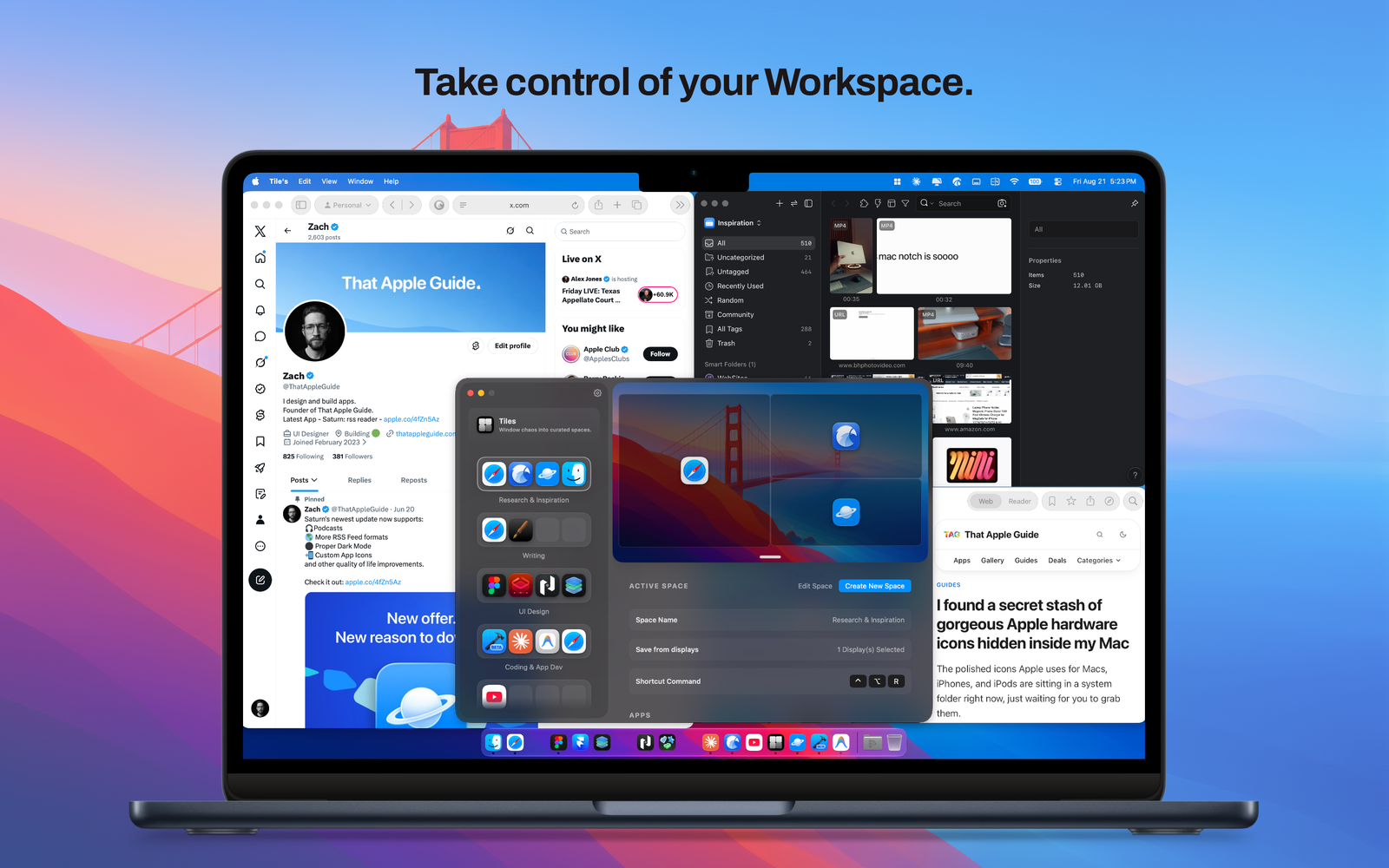

Tiles
Streamline your daily workflow and eliminate window clutter, the ultimate workspace manager for macOS.

Apps/Mac

Your clipboard, supercharged and secure
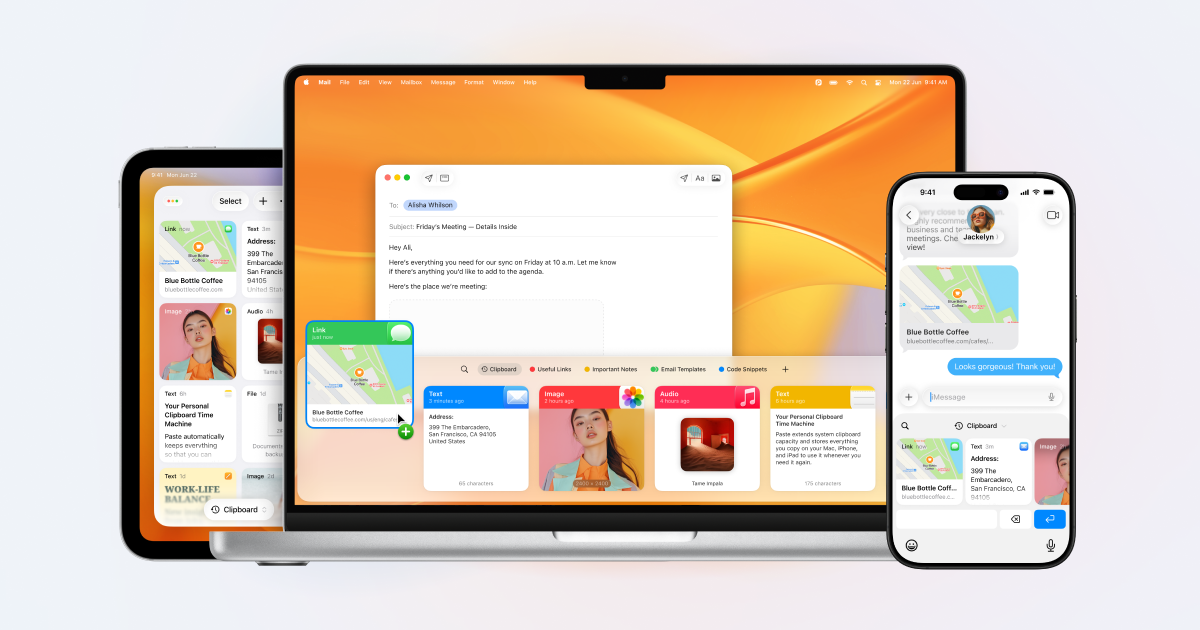
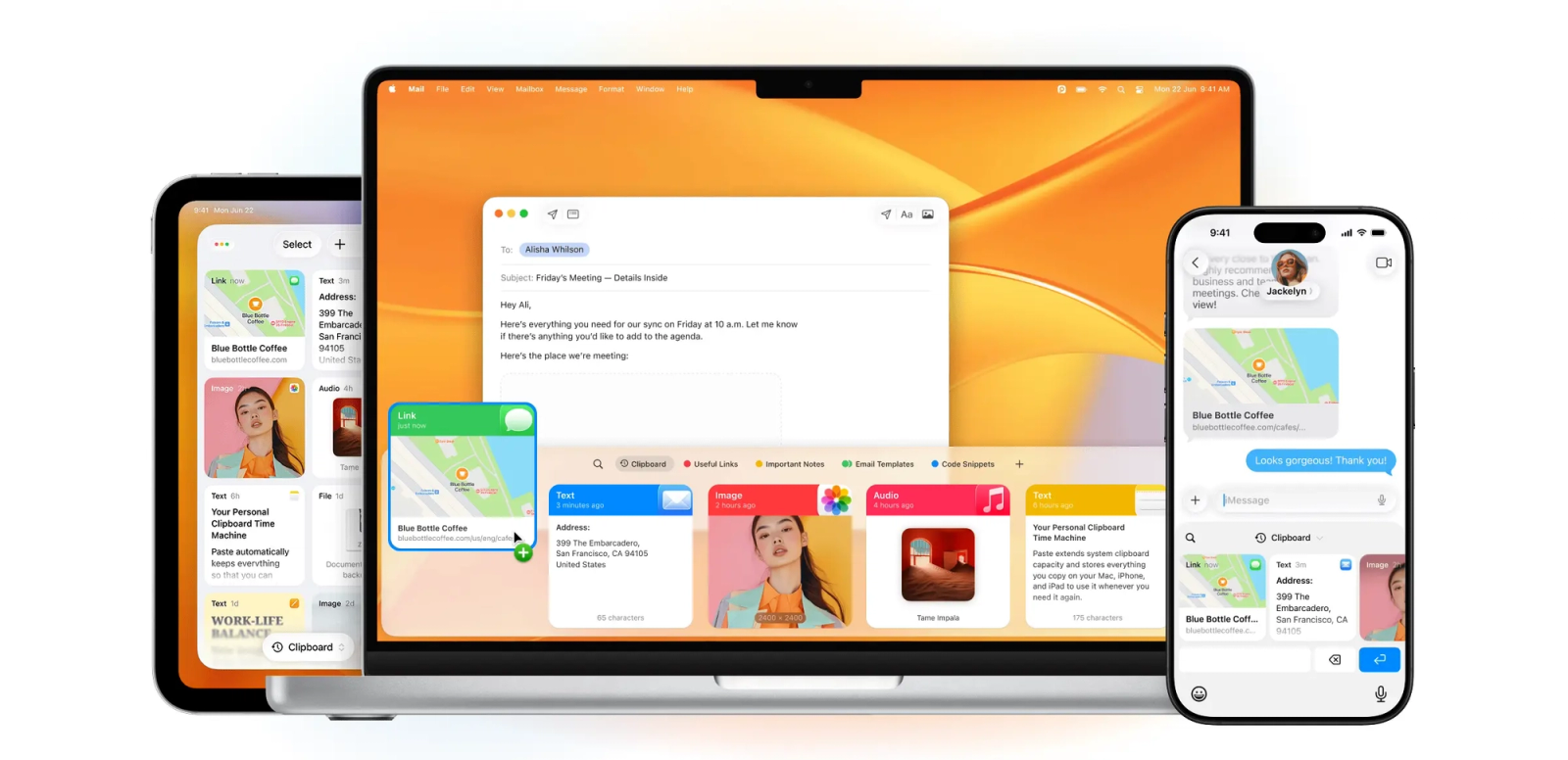
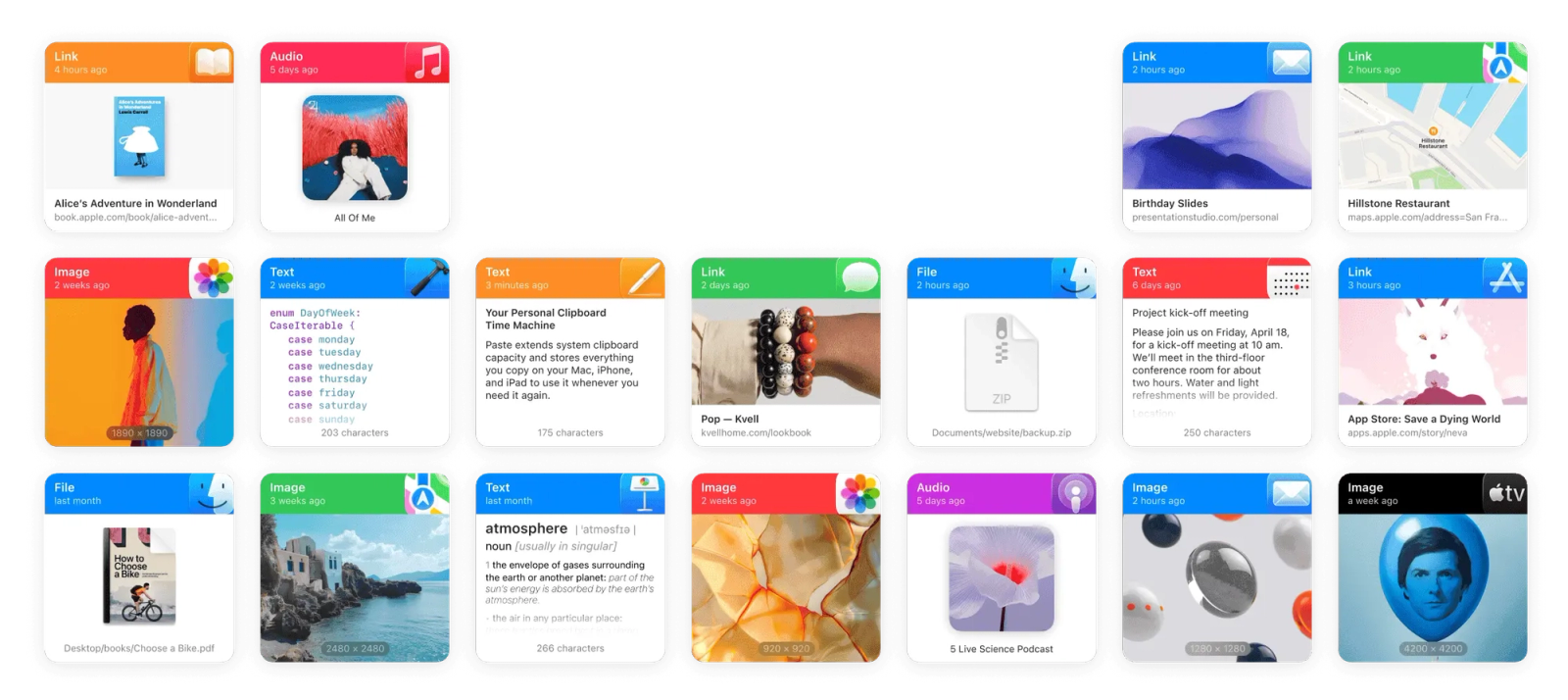

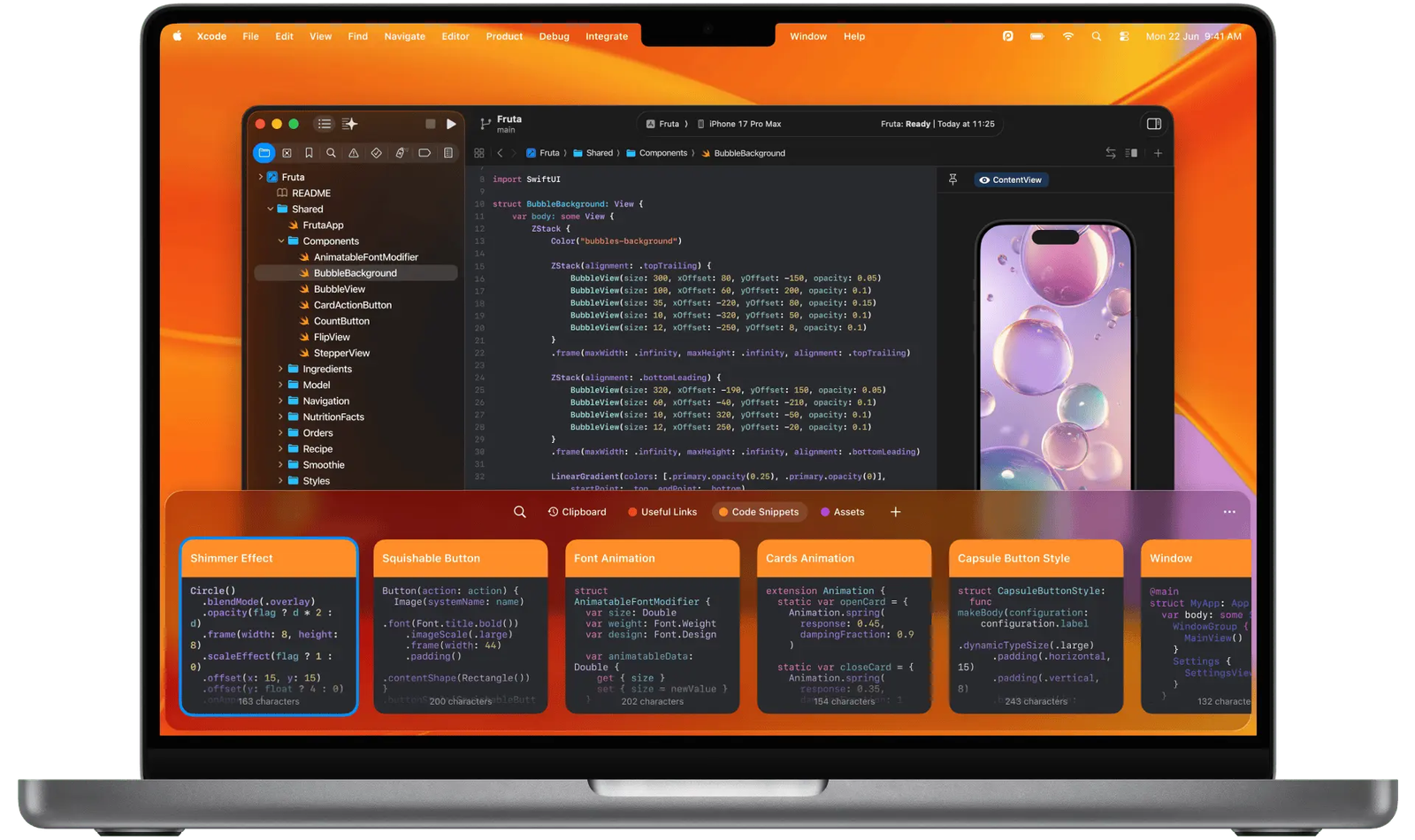
Never lose a copy again. Paste is the ultimate smart clipboard manager for Mac, iPhone, and iPad, designed to supercharge the way you copy, organize, and reuse text, links, images, and files.
While the standard system clipboard only remembers one thing at a time, Paste stores everything you copy in an infinite history. Whether you're a developer handling code snippets, a designer gathering color codes and assets, or a professional managing templates, Paste keeps your workflow seamless, fast, and entirely private.
Key Features:
What’s New:
Streamline your daily workflow and eliminate window clutter, the ultimate workspace manager for macOS.
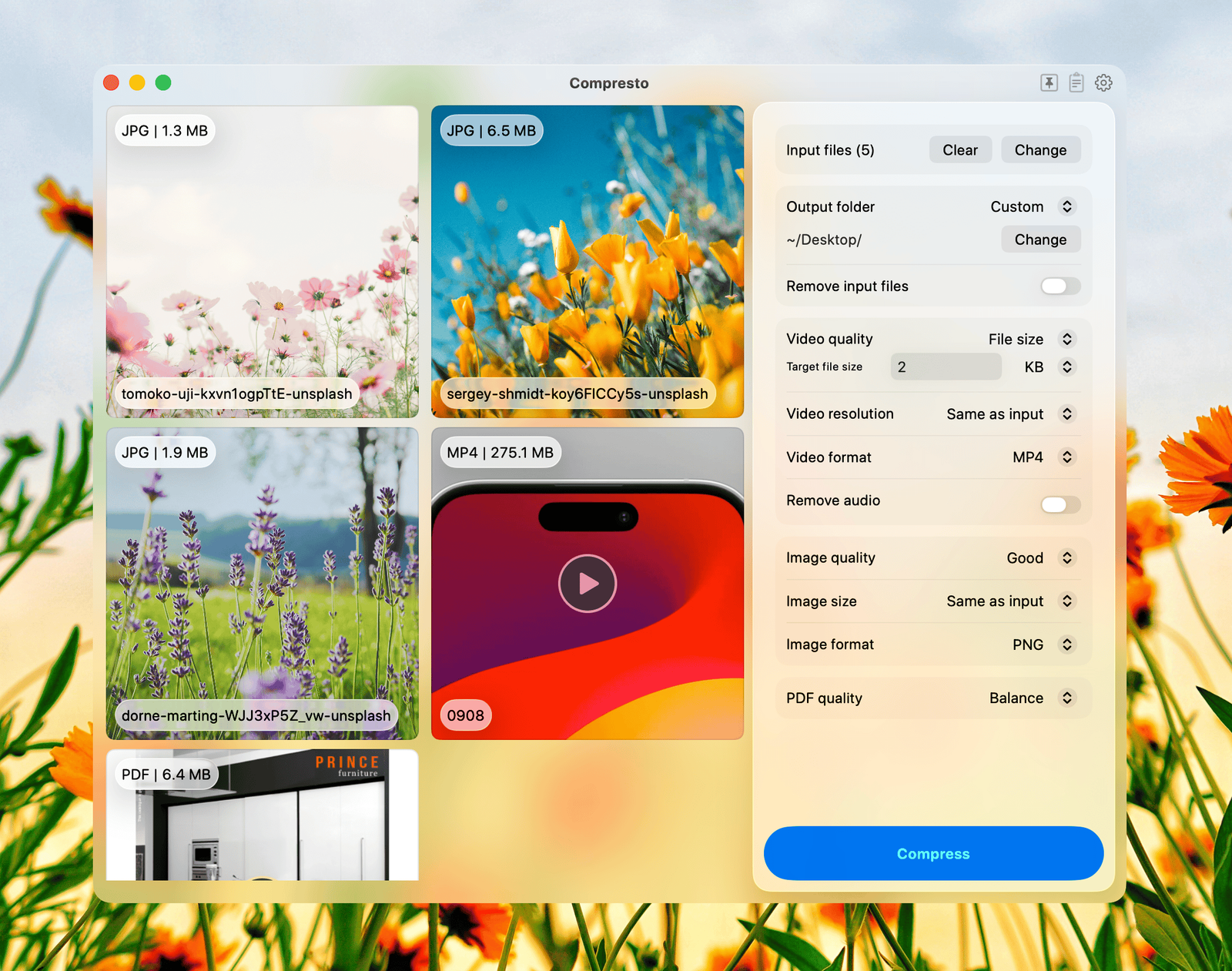
Compresto is a native macOS app that batch compresses videos, images, PDFs, and GIFs
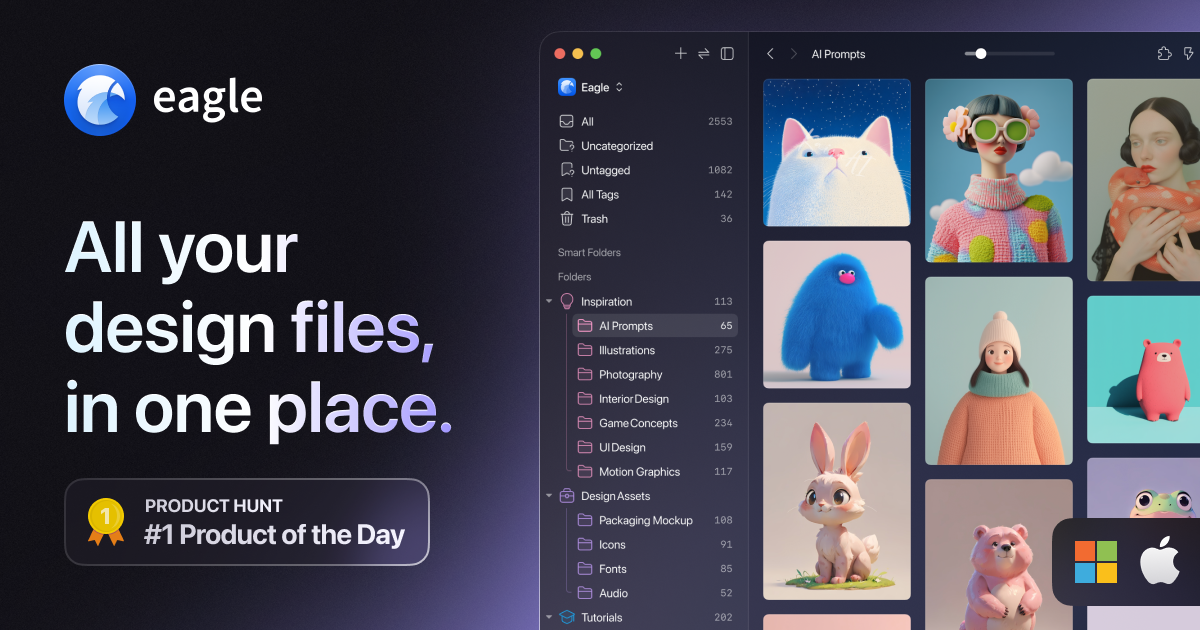
A better way to collect, search and organize your design files in a logical way, all in one place.

Sharpen your thinking.

Turn Dock clutter into one beautiful click

Everything at your cursor.


