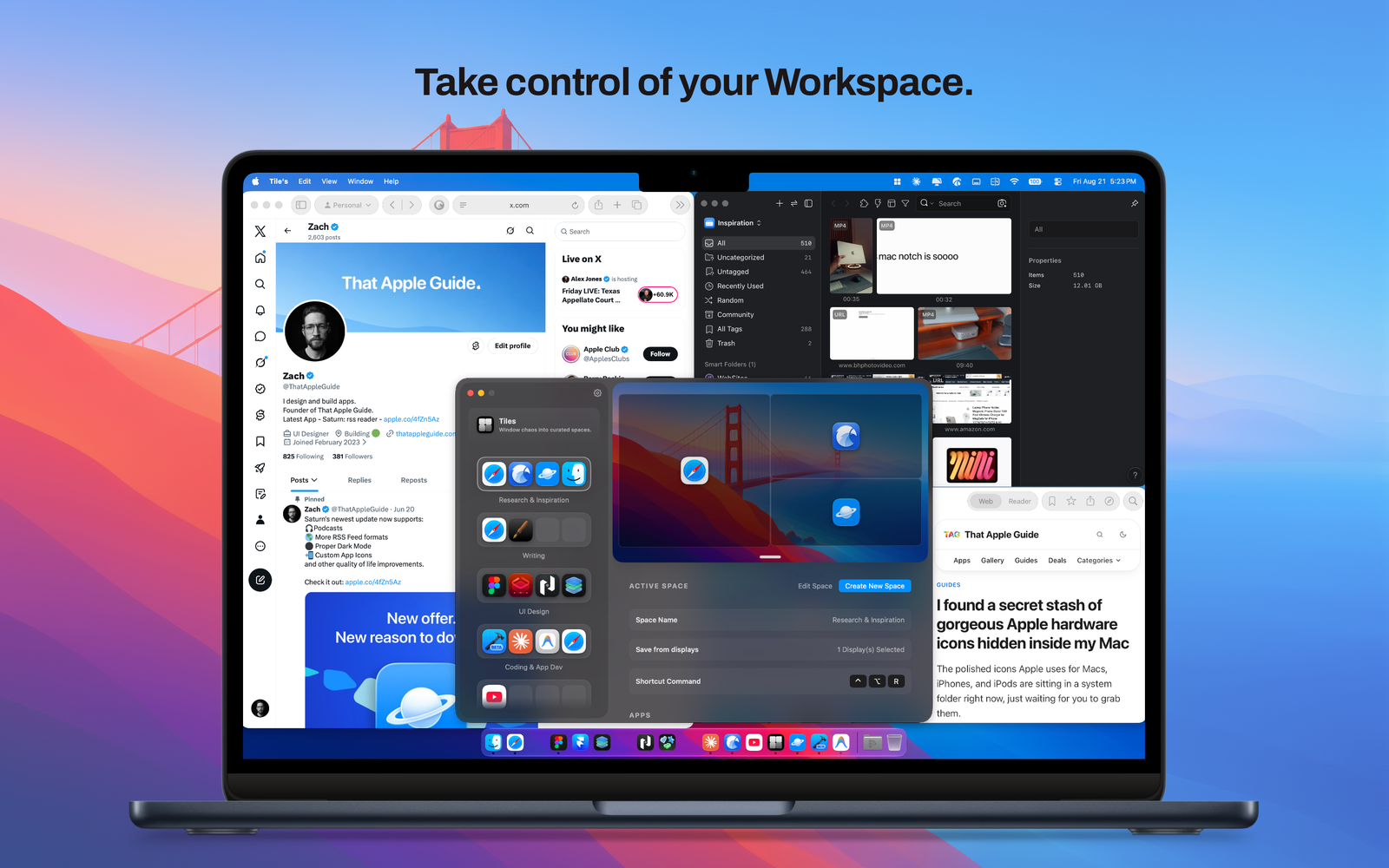

Tiles
Streamline your daily workflow and eliminate window clutter, the ultimate workspace manager for macOS.

Apps/Mac

Everything at your cursor.

Control your entire Mac with a single gesture. Radial is a powerful pie-menu launcher and automation hub that brings everything you need directly to your cursor.
Stop digging through menus, searching your dock, or struggling to memorize complex hotkeys. With a simple hotkey, mouse gesture, or cursor shake, Radial summons a beautiful, adaptive circular menu right where you are working. From launching apps and inserting text snippets to chaining multi-step workflows and running complex scripts, Radial keeps your hands moving and your workflow completely uninterrupted.
Key Features:
What’s New
Streamline your daily workflow and eliminate window clutter, the ultimate workspace manager for macOS.
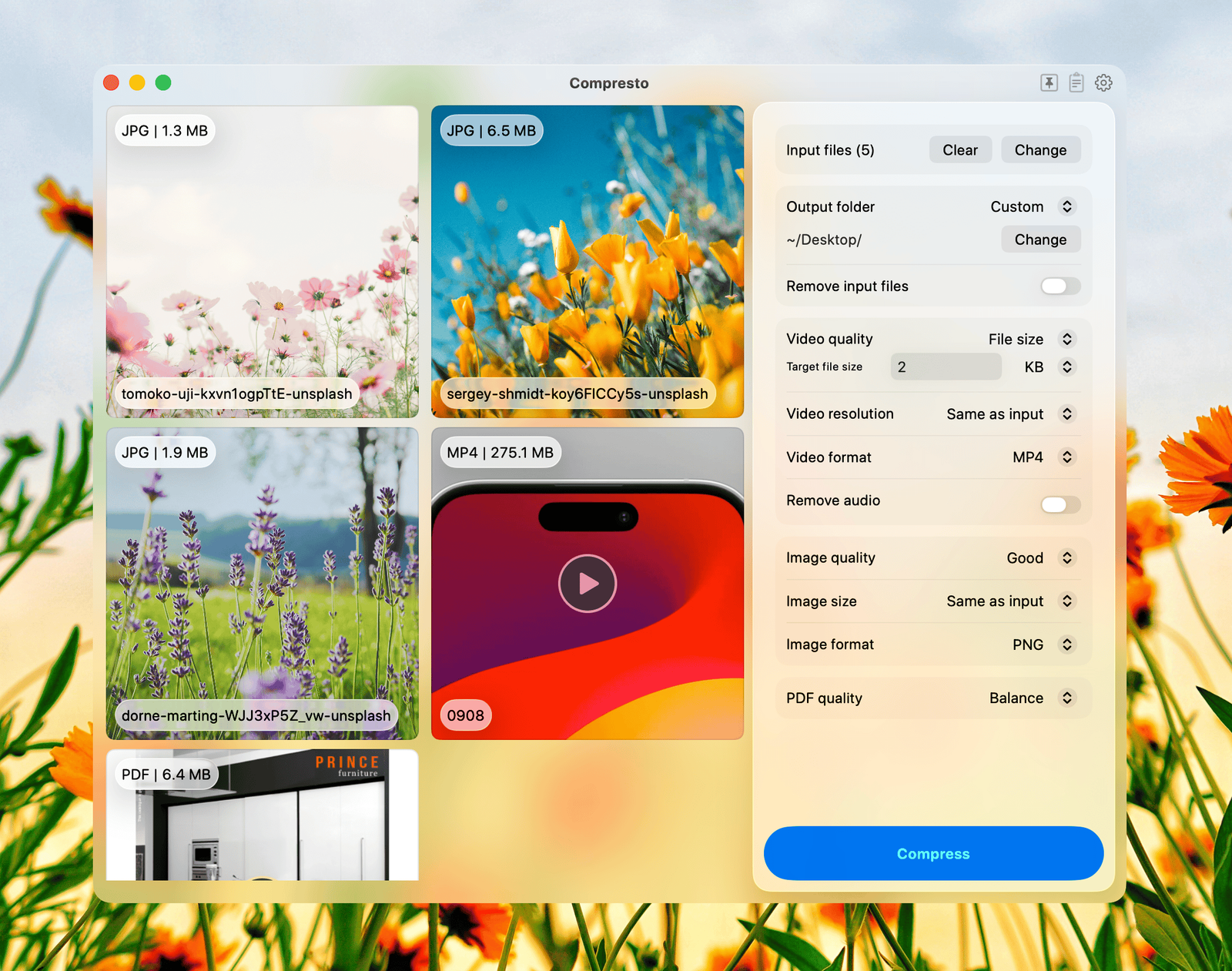
Compresto is a native macOS app that batch compresses videos, images, PDFs, and GIFs
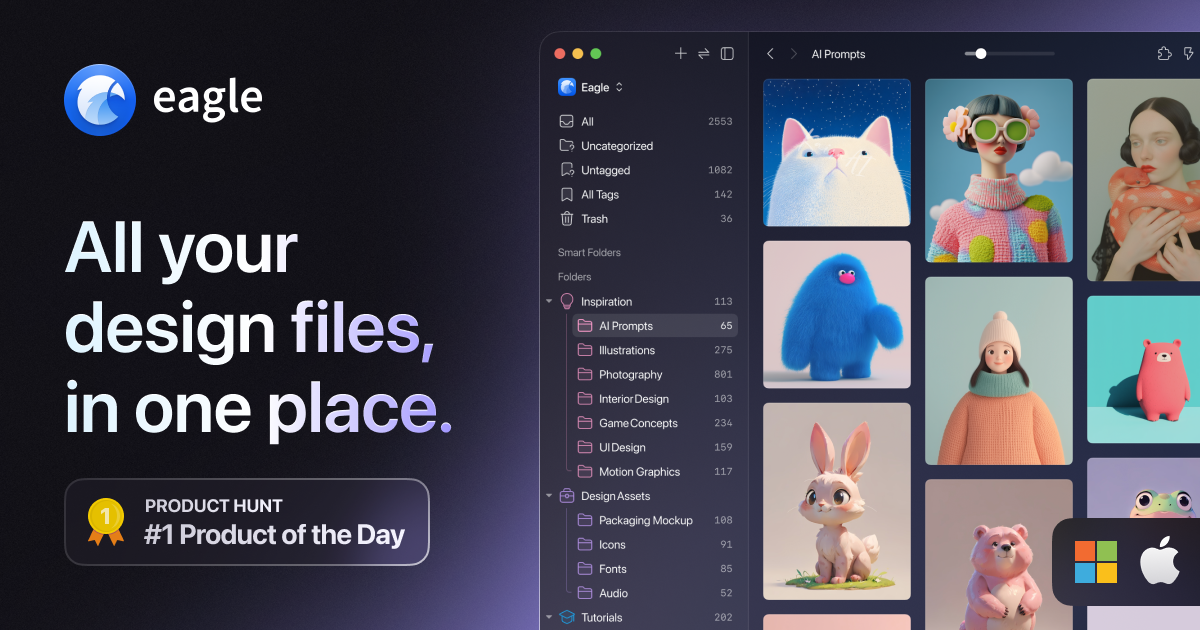
A better way to collect, search and organize your design files in a logical way, all in one place.

Sharpen your thinking.

Turn Dock clutter into one beautiful click

Your clipboard, supercharged and secure


