Apps/Mac

ScreenPlace icon

ScreenPlace

Magical Window Management for Your Mac
Author
Pricing
Freemium
Category
Productivity
Updated
Aug 2, 2026
Visit
ScreenPlace
Magical Window Management for Your Mac
Stop wasting time rearranging and resizing windows every time you open an app, plug in an external monitor, or switch tasks. ScreenPlace is the intelligent native macOS window manager that remembers exactly where every window belongs and automatically puts it back in its place.


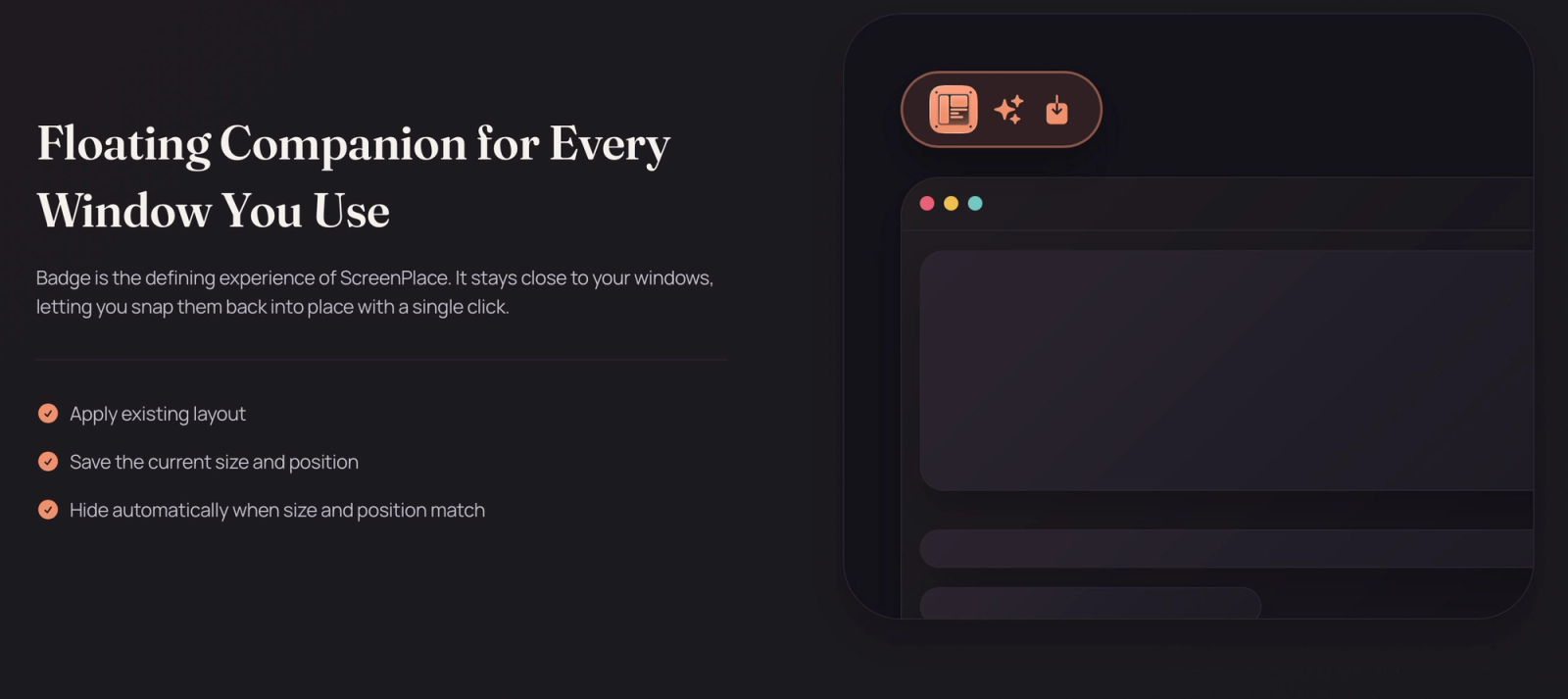
Featuring Badge, an innovative floating companion for your windows—ScreenPlace lets you snap apps back to their precise coordinates with a single click. Whether you manage multiple displays, switch context through custom workspaces, or want your apps to auto-align the moment they launch, ScreenPlace quietly stays out of your way and keeps your desktop pixel-perfect.


Key Features

  • Badge (Floating Window Companion): A sleek, non-intrusive floating helper attached to your windows that lets you instantly snap them back to their saved size and position, or save new layouts with one click. It hides automatically when your window matches its target placement.
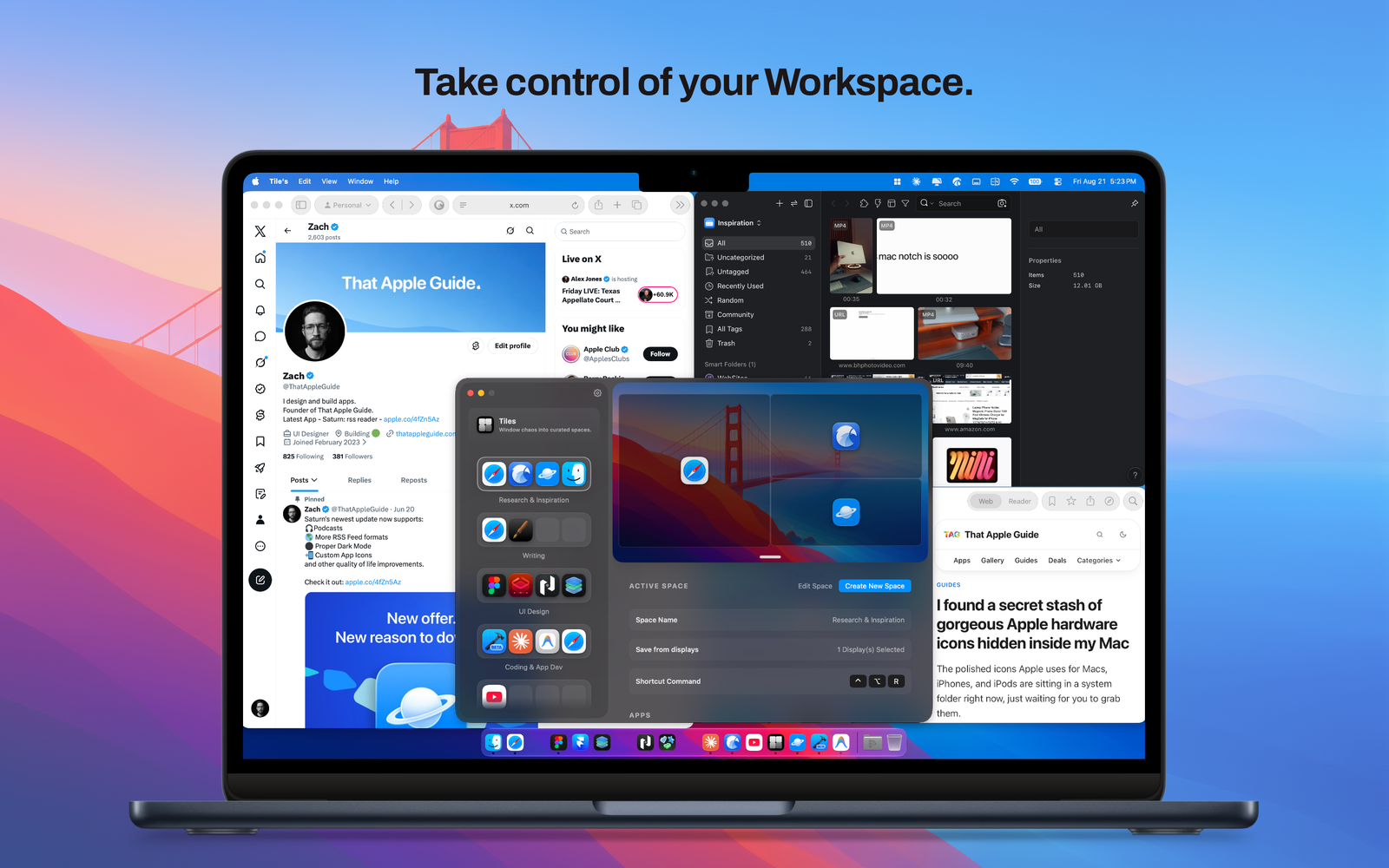
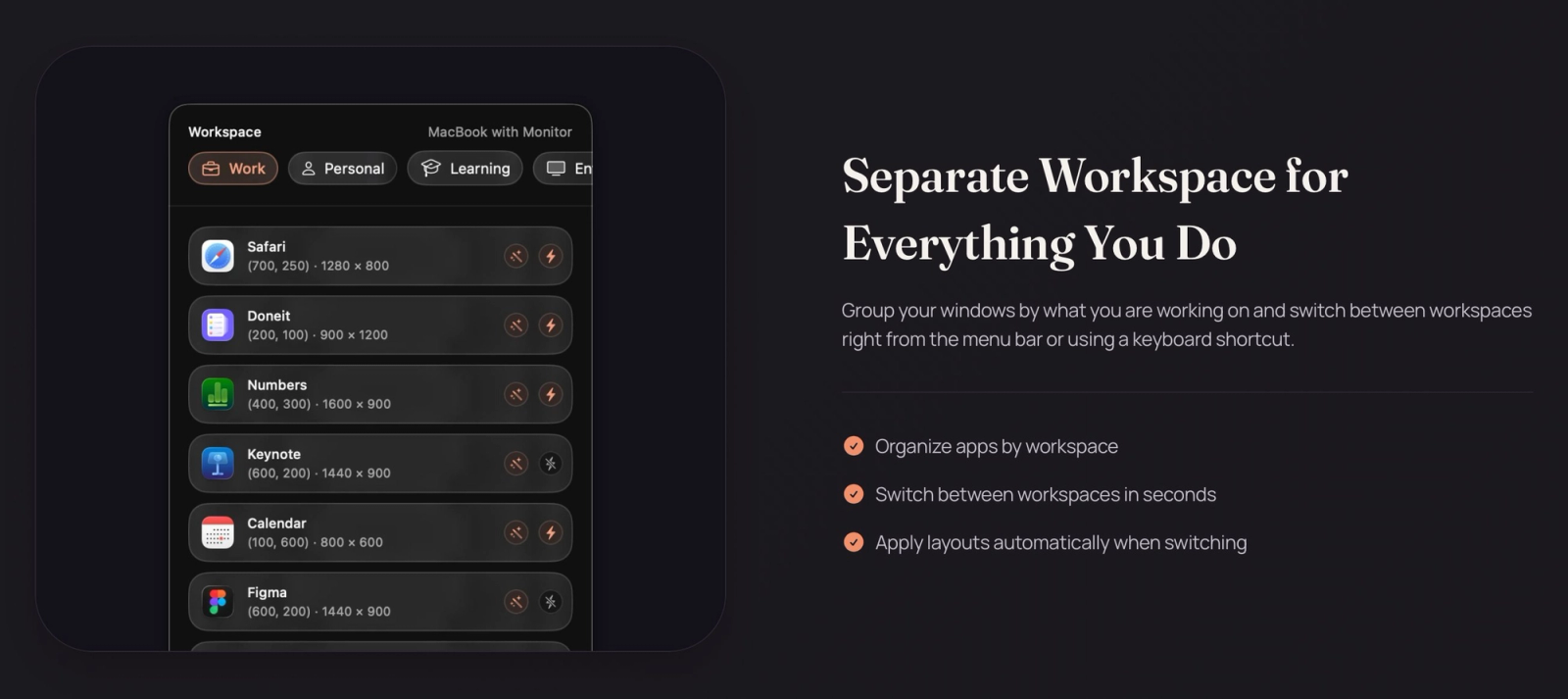
  • Unlimited Workspaces: Group your windows by project or task (e.g., Development, Design, Writing) and switch between entire desktop layouts right from your menu bar or using a keyboard shortcut.
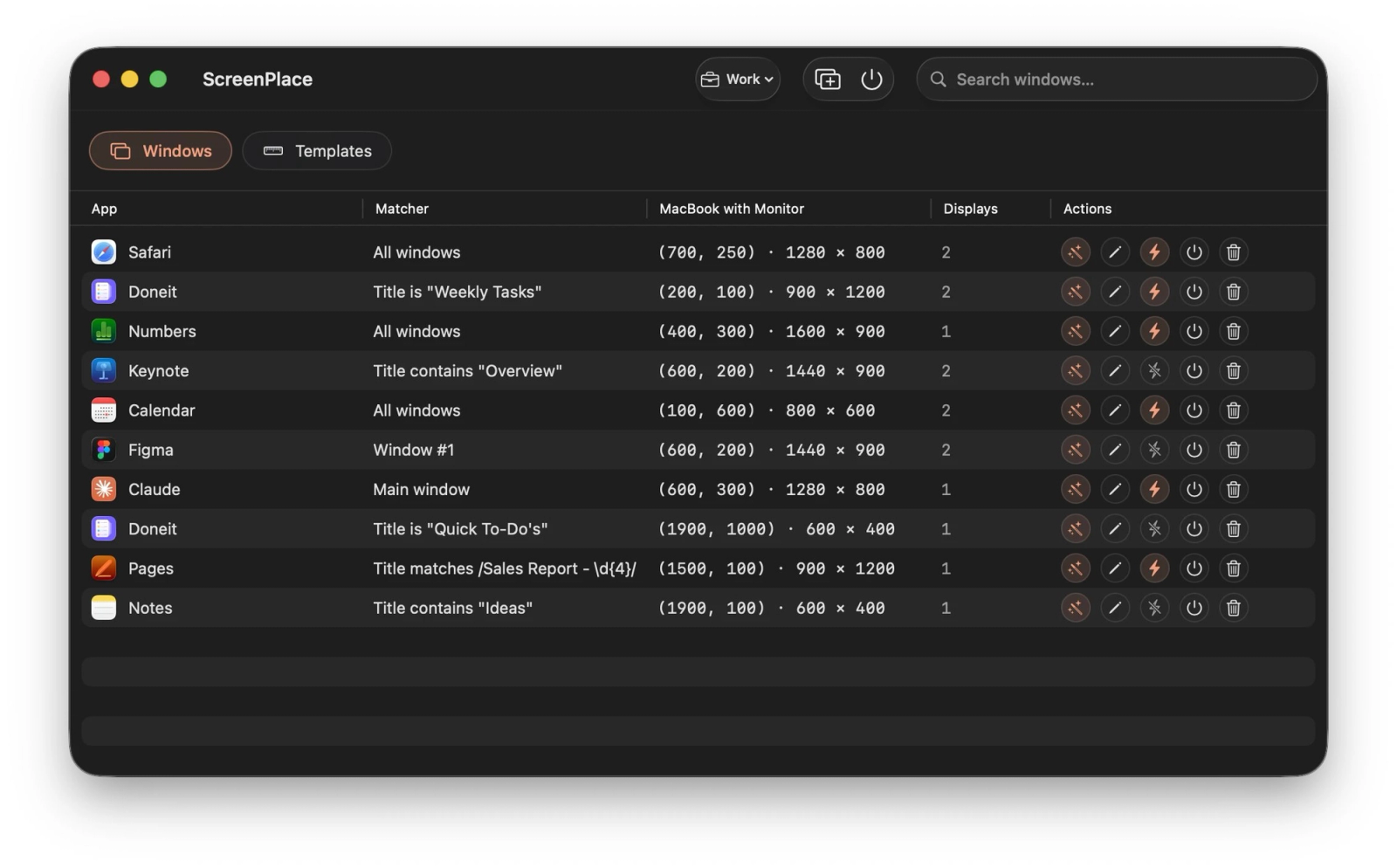
  • Multi-Display & Per-Display Configurations: Save a distinct window layout for every monitor setup you use. ScreenPlace automatically applies the correct layout the moment you connect or disconnect a display.
  • Auto-Apply on Launch: Automatically enforces your preferred window sizes and positions the second an application opens, eliminating the need to manually rearrange things.
  • Global Shortcuts: Switch workspaces or apply layouts instantly from anywhere on your Mac without breaking your keyboard flow.
  • Reusable Templates & Smart Matching: Set exact dimensions (X, Y coordinates, width, and height) to create reusable templates, and use smart matching (by title, index, or pattern) to ensure windows always land where they should.
  • 100% Native & Subscription-Free: Built cleanly for macOS with lightning-fast performance, low resource consumption, and a fair one-time purchase model.

What’s New

  • Initial release of ScreenPlace!
  • Introduced the interactive Badge floating companion.
  • Added multi-display layout mapping and smart window matching.
  • Integrated global keyboard shortcuts and auto-launch application sizing.