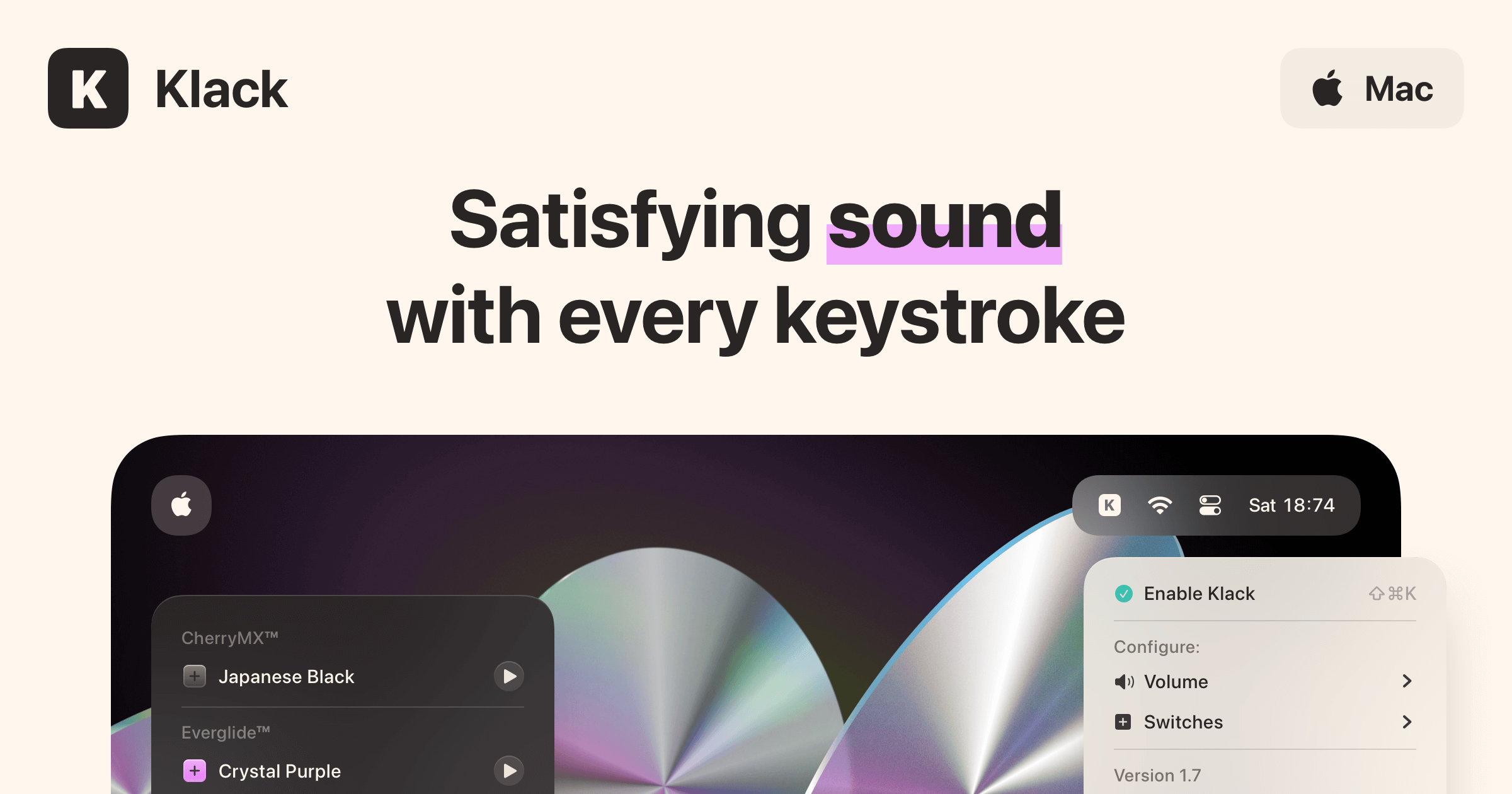
Featured in Forbes, Klack is a blazing-fast native macOS menu bar app that brings the premium "thock" and "clack" of mechanical switches straight to your MacBook or low-profile keyboard. Whether you're typing away at a coffee shop or working from home, Klack infuses every keystroke with tactile joy.
Key Features
- High-Fidelity & Spatial Audio: Experience studio-quality sound reproduction that adapts dynamically—delivering immersive 3D spatial audio when using AirPods, and crisp 2D sound otherwise.
- Instant Type Feedback: Enjoy zero-noticeable lag with instant audio feedback mapped directly to your up and down keystrokes.
- Randomized Pitching & Tone Pad: Say goodbye to repetitive loops. Randomized pitching and the built-in Tone Pad let you tune any switch set to your liking for a completely unique variation every time.
- Customizable Switches: Choose from a wide variety of switch sets to match your mood, style, or acoustic preference.
- Smart Sleep Automation: Set custom triggers so Klack knows when to sleep automatically, meaning you never have to worry about manually disabling it.
- Menubar Application: Lives discreetly in your menu bar, giving you instant access to your sound profiles, volume overrides, and usage stats.
Why You'll Love Klack
- Native & Lightweight: Built specifically as a fast, native Mac app with minimal resource usage.
- Zero Data Collection: Your privacy is respected—Klack operates locally without tracking your inputs or data.
- Endless Variety: Switch between different acoustic profiles instantly without needing to swap out hardware.
Turn your silent keyboard into an auditory masterpiece. Once you go Klack, you don't go back.