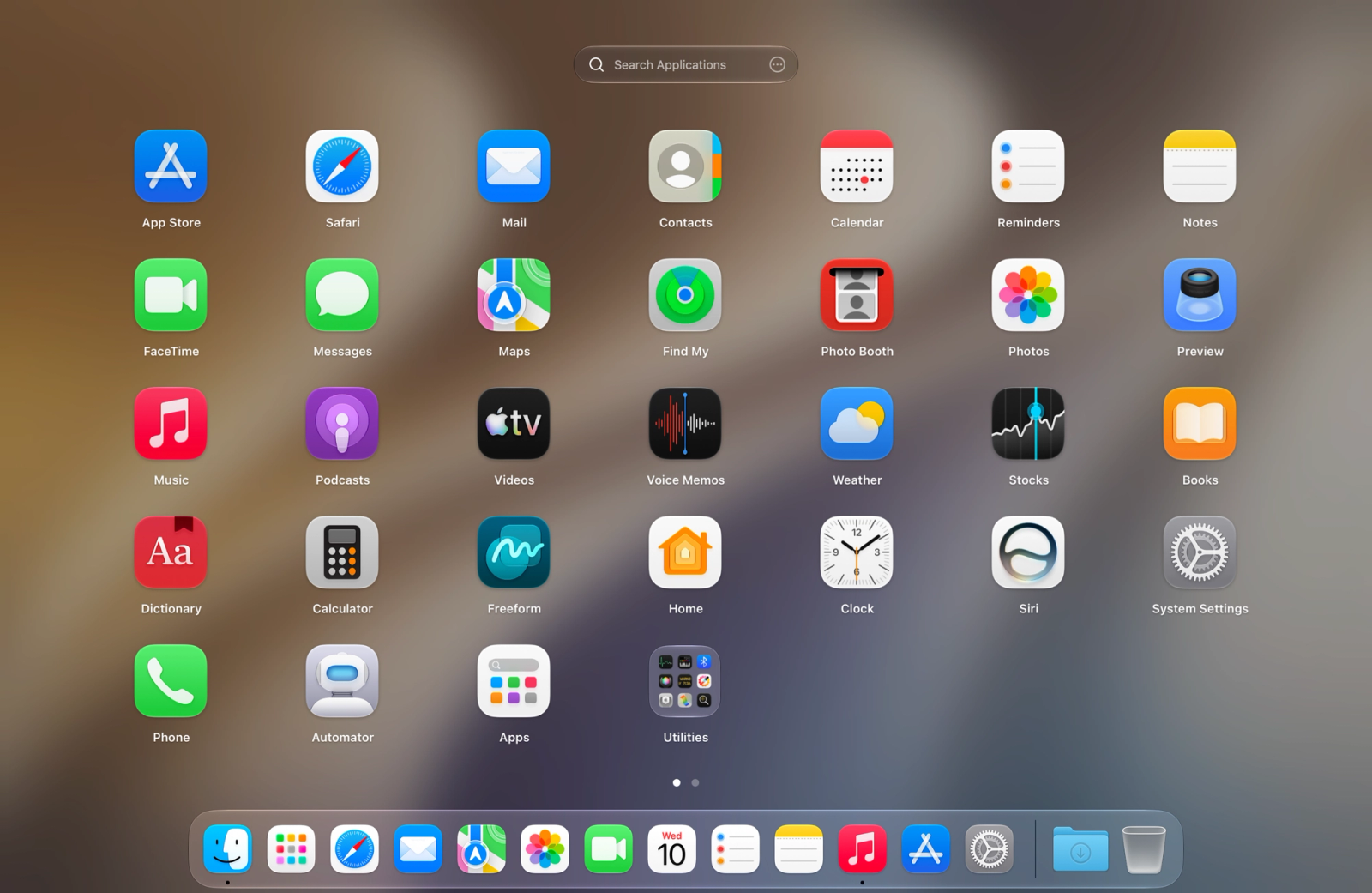
Miss the classic, fluid way your apps used to be organized on your Mac? LaunchOS is a powerful macOS utility designed to bring back the beloved, full-screen Launchpad experience with all the speed, custom folders, and page-based organization you actually want.
As modern macOS updates change default application views, LaunchOS steps in to give you complete control back. Featuring smooth drag-and-drop organization, instant type-to-search navigation, and a native look and feel, LaunchOS makes managing an expansive app library effortless and satisfying.
Key Features
- The Classic Launchpad Restored: Bring back the familiar full-screen grid, pages, and fluid layout that make scanning your app library effortless.
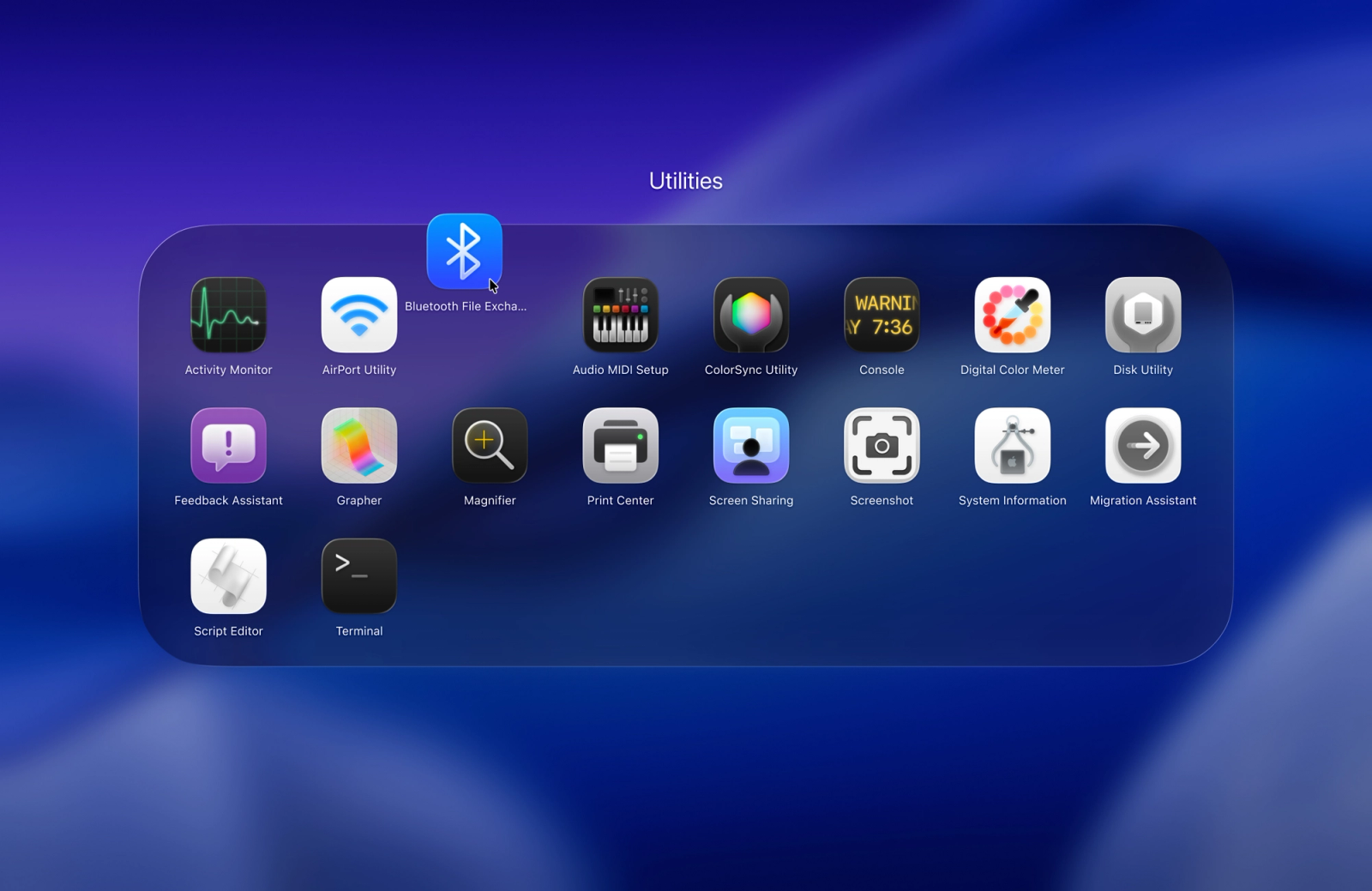
- Intuitive Organization: Easily group apps into custom folders, rename items, hide unwanted apps, and sort layouts precisely the way you want.
- Familiar Triggers & Shortcuts: Open your launcher instantly using the classic F4 key, custom keyboard shortcuts, Trackpad pinch gestures, or Hot Corners.
- Lightning-Fast Search: Type-to-jump search allows you to find and launch any application on your Mac in milliseconds.
- Seamless Data Migration: Easily import your existing Launchpad data and layout preferences so you can pick up right where you left off.
- Layout Backups: Keep your custom organization safe with straightforward layout backup and restoration tools.
What’s New
- Added enhanced trackpad pinch-to-open gestures and Hot Corner triggers.
- Expanded layout customization options including custom app renaming and hidden app filters.
- Improved migration tools for seamless Launchpad data import.
- Performance optimizations for smoother transitions and lower resource consumption.