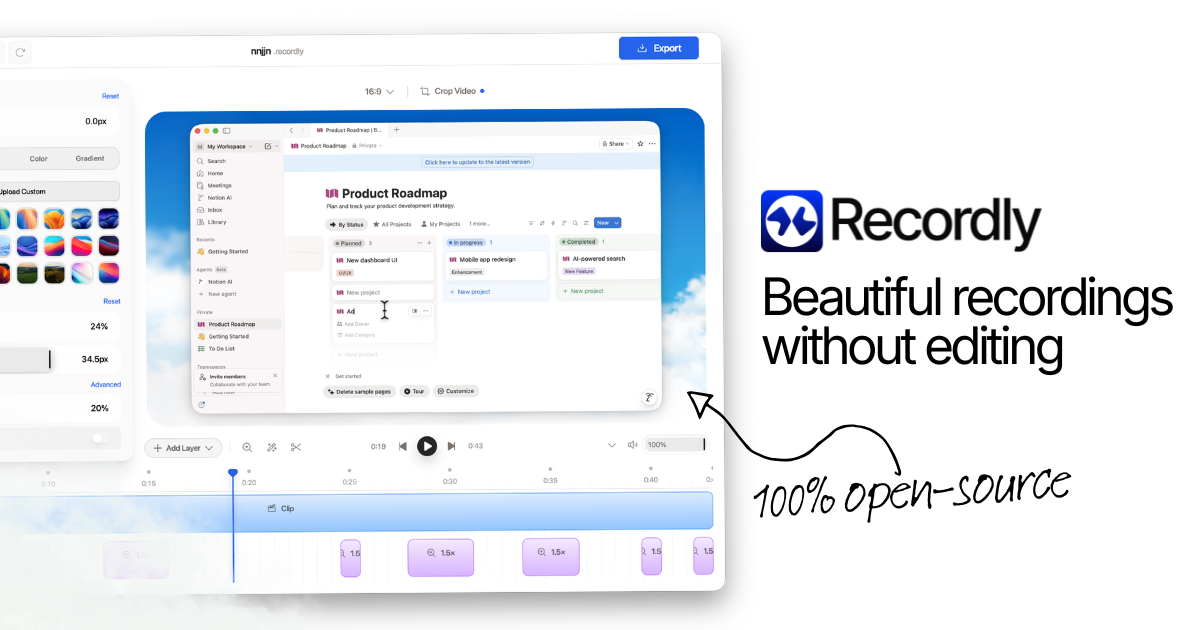
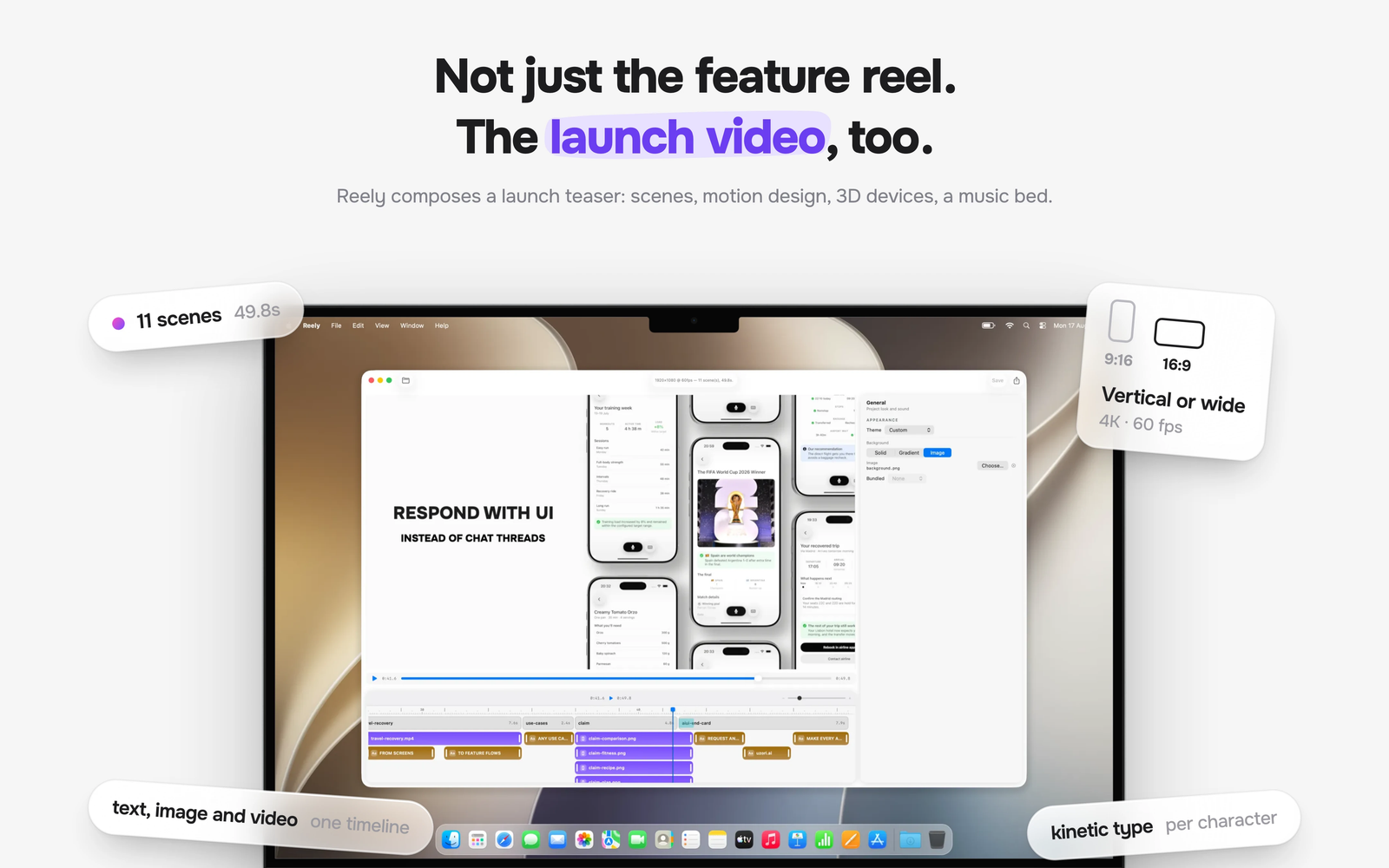
Creating professional App Store video previews and product walkthroughs used to require hours in complex video editors. Matte streamlines the entire process, handling everything from screen capture to final render in one native, ultra-fast workflow.
Capture live iOS devices, simulator screens, or full macOS desktop windows with automatic cursor tracking, dynamic auto-zooming, and customizable device frames. Powered by a GPU-accelerated Metal rendering engine, Matte lets you edit multitrack compositions with real-time motion blur, automatically generated captions, and 4K transparent exports.
Key Features
- Native iOS & Simulator Capture: Direct, high-resolution recording straight from physical iPhones, iPads, or the iOS simulator with full tap, swipe, and cursor capture.
- Realistic Device Frames: Automatically apply high-quality bezels for iPhone, iPad, MacBook, iMac, and Apple Watch with natural shadows and device-matched corner radii.
- Cursor-Following Auto Zoom: Keep viewers focused on the action with intelligent, smooth zoom and pan transitions that follow mouse movements automatically.
- Multitrack Timeline Editor: Layer up to 4 video tracks, 4 audio tracks, and 5 animated text layers. Mix webcam overlays, dual device feeds, or screen captures on a non-magnetic timeline.
- On-Device Whisper Captions: Automatically generate and edit transcriptions locally on your Mac—zero cloud uploads required for total privacy and speed.
- Metal-Engine GPU Acceleration: Up to 4x faster exports with realistic motion blur on cursors, camera pans, and zooming animations.
- Privacy Censor Regions: Easily blur or cover sensitive areas directly inside the canvas editor.
- App Store Export Presets: Render pixel-perfect 4K videos in HEVC, H.264, ProRes, or animated GIFs with alpha channel transparency.
Perfect For
- iOS & Mac Developers: Craft high-converting App Store preview videos and TestFlight walkthroughs without leaving your workflow.
- SaaS Founders & Product Marketers: Produce clean product launches, feature updates, and social media teasers in minutes.
- Content Creators: Record polished tutorial videos complete with webcam overlays, background patterns, and dynamic text callouts.