
Recordly
Make beautiful screen recordings
Apps/Mac

App launch videos from your source code, a screen recording, or a screenshot
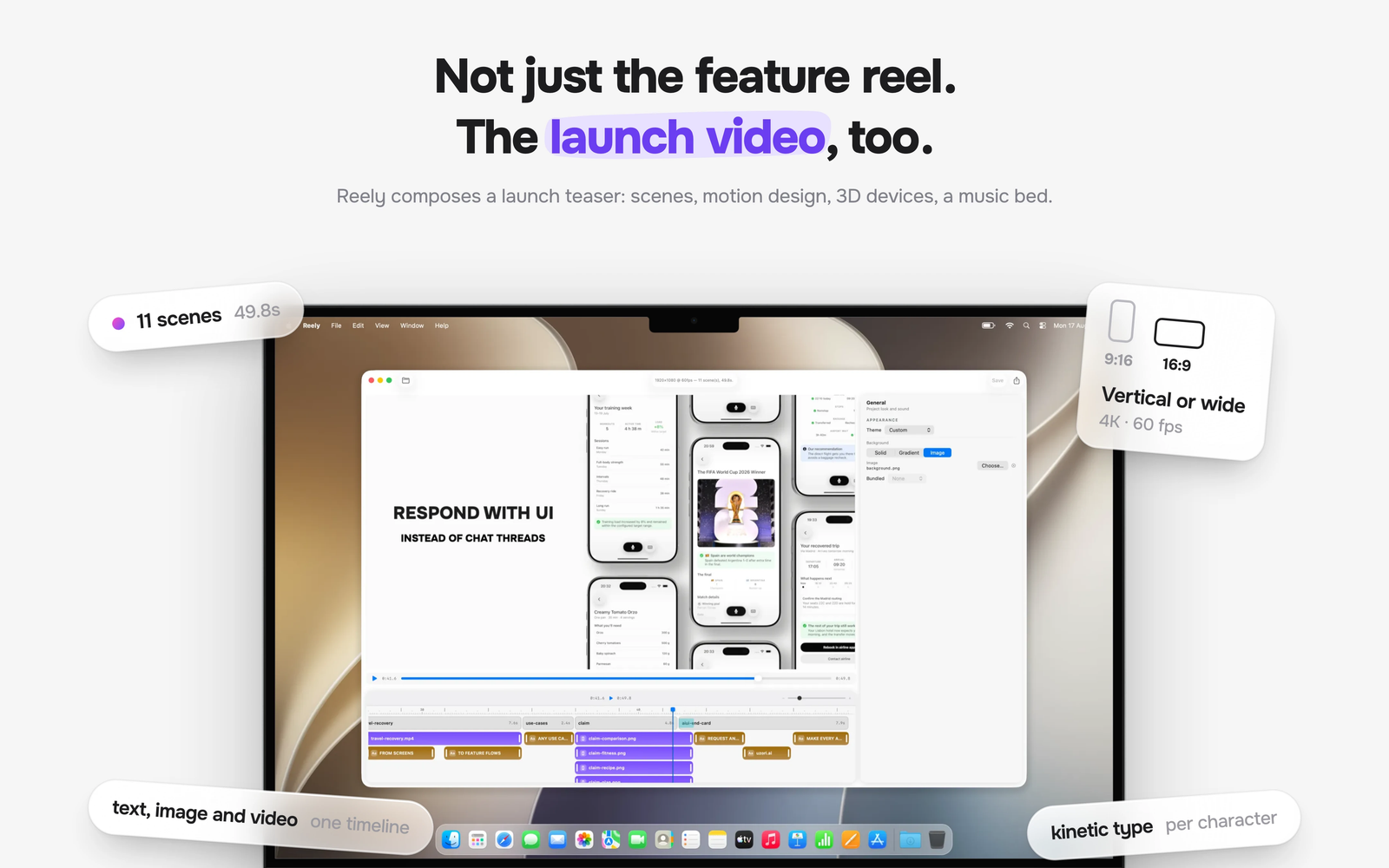


Reely makes launch and feature videos for mobile apps without a recording session. Every other tool in the category needs one thing from you before anything can start: a clean screen recording or a set of screenshots. Reely starts from your source code.
Point it at the project and it rebuilds the feature as a working mock, drives it in the iOS Simulator, and films the run — no take to nail, no state to set up by hand. Because Reely authored that run, it knows when every tap happened. Cuts, camera moves, and captions land on the app's own timing instead of eyeballed seconds.
Reely can also film states you could never capture live: an error you cannot reproduce, an empty state, a locale you have no data for, or a feature the same day you open the PR.
If you would rather not hand over the project, you can still start with what you have. An existing screen recording from any stack gets the full motion-design treatment wrapped around your real app, while plain screenshots are enough to produce a video. When the UI changes, regenerate the video instead of re-shooting it.
Reely ships as a native Mac app paired with a Claude Code skill and MCP server. Everything renders locally on your Mac.
Key Features
Automatic SwiftUI Capture: Reely rebuilds your feature as a working mock, drives it in the iOS Simulator, and records native interactions without manual taps, test data, or retakes.
AI-Authored Demo Flows: Describe the feature you want to show and let the Claude Code workflow build the screens, prepare the content, and perform the right interactions.
Source Code or Existing Assets: Use the fully automated source-code workflow, bring a screen recording from any mobile stack, or start with screenshots.
Interaction-Synced Motion: Reely automatically aligns cuts, camera moves, and captions with labeled interaction events instead of guessed timestamps.
Automatic Motion Design: Turn the captured flow into a finished video with 3D device choreography, kinetic type, transitions, auto-zoom, captions, music, and sound effects.
Automatic Brand Matching: Carry your app's colors, icon, and embedded font into the composition without recreating its visual identity by hand.
Regenerable Video Specs: Every reel remains an editable composition, so UI changes can be regenerated and rendered again instead of re-shot.
Agent-Native Mac Workflow: Create through Claude Code, refine in the native Reely editor, and render locally in formats suited to launch pages and social media.
Ideal Users
SwiftUI Developers: Generate feature videos directly from a project without preparing and performing a recording.
Indie Mobile Developers: Turn existing footage or screenshots from any mobile stack into polished launch videos.
Product Teams: Film hard-to-stage error states, empty states, localizations, seeded content, and features still under development.