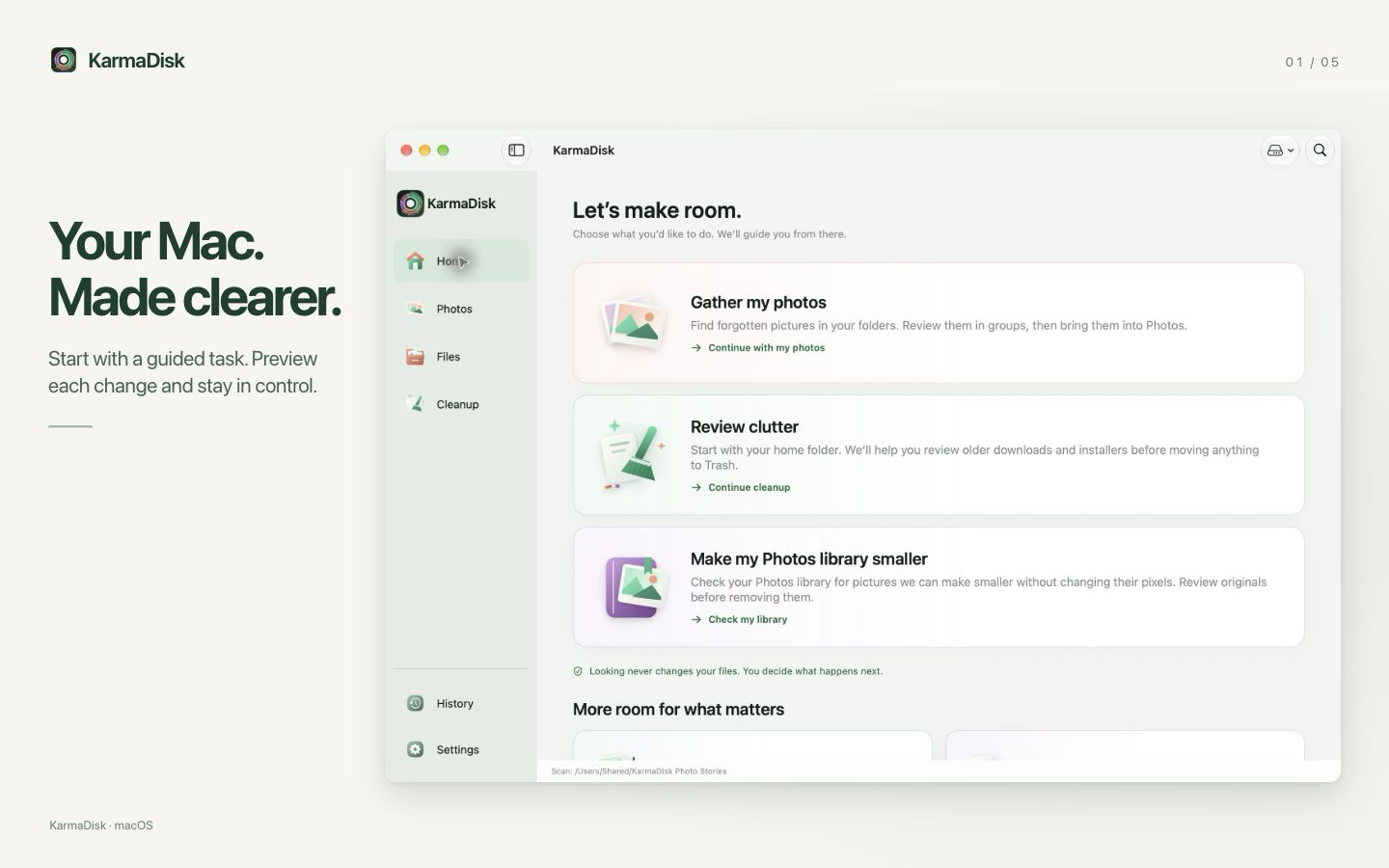

KarmaDisk
Free up disk space on your Mac.

Apps/Mac

Keep your Mac awake. With a stop time.
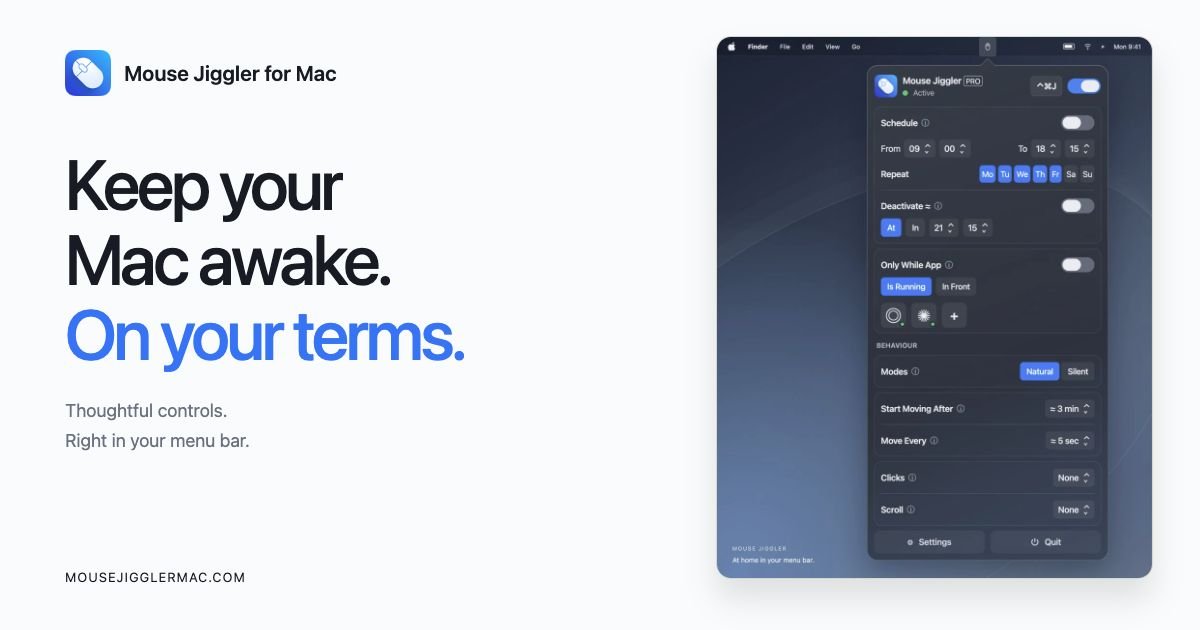


Mouse Jiggler is designed to support focus and attention, including for users with ADHD, by providing subtle cursor movement that can help maintain visual awareness and engagement during work.
Key Features:
• Cursor Interaction Support: Provides gentle cursor movement when subtle interaction or visual feedback is needed.
• Focus & Attention Support: Designed to help users with ADHD maintain focus through continuous visual cues and interaction feedback.
• Accessibility Design: Helps users maintain cursor visibility and consistent interaction for visual or functional support.
1. Visual Accessibility (Cursor Tracking)
• Users with low vision rely on a visible cursor as a visual anchor.
• Subtle cursor movement helps keep the pointer easy to locate, can reduce eye strain and improves orientation on screen.
2. Motor Accessibility (Reduced Effort)
• Users with limited motor control or fatigue may find frequent small movements difficult.
• The app reduces the need for repetitive manual input by providing gentle cursor movement when needed.
3. Cognitive Accessibility (Focus & Awareness)
• Users with ADHD and attention-related challenges may benefit from continuous visual feedback.
• Subtle cursor movement can help maintain focus and confirms that the interface is responsive.
4. Assistive Device Compatibility
• Users relying on external input devices or alternative controls may have pauses between interactions.
• Gentle cursor movement helps maintain interaction continuity during these moments.
• Flexible Movement Options: Choose between Natural and Silent modes and set the delay, interval and movement range.
• Clicks, Scroll & Key Press: Optionally add clicks at chosen screen positions, gentle scrolling or a silent key press.
• App-Specific Controls: Run only while selected apps are open or in front.
• Scheduling Options: Configure when cursor movement starts and stops automatically.
• Battery & Lock Safeguards: Stop automatically below a set battery level and pause while the screen is locked.
• Menu Bar Icons & Launch at Login: Choose from 15 menu bar icons and start Mouse Jiggler with your Mac.
• Lightweight & Efficient: Minimal system impact, no background daemons or complex setups.
• Broad Device Compatibility: Works with mice, trackpads, trackballs and other input devices.
Some features, such as scheduling, app-specific controls, movement modes and multiple click positions, are part of PRO, an optional one-time in-app purchase.